 |
F29H85x-SDK
26.01.00
|
|
|
F29H85x-SDK
26.01.00
|
|
Resource Allocator is a novel methodology for configuring multi-core projects, which allows developers to tune SoC-level settings and allocate HW resources from a single unified view, simplifying the process of setting up a complex device with multiple cores. Resource Allocator is built around the existing SysConfig framework, and is available in the F29H85X-SDK, both in the Standalone SysConfig tool and integrated within CCS projects
The Resource Allocator offers a consolidated view where the board designer can configure:
The CPU user can use the generated resource allocation database to configure their core independently, while still having access to critical configurations from other cores wherever needed.
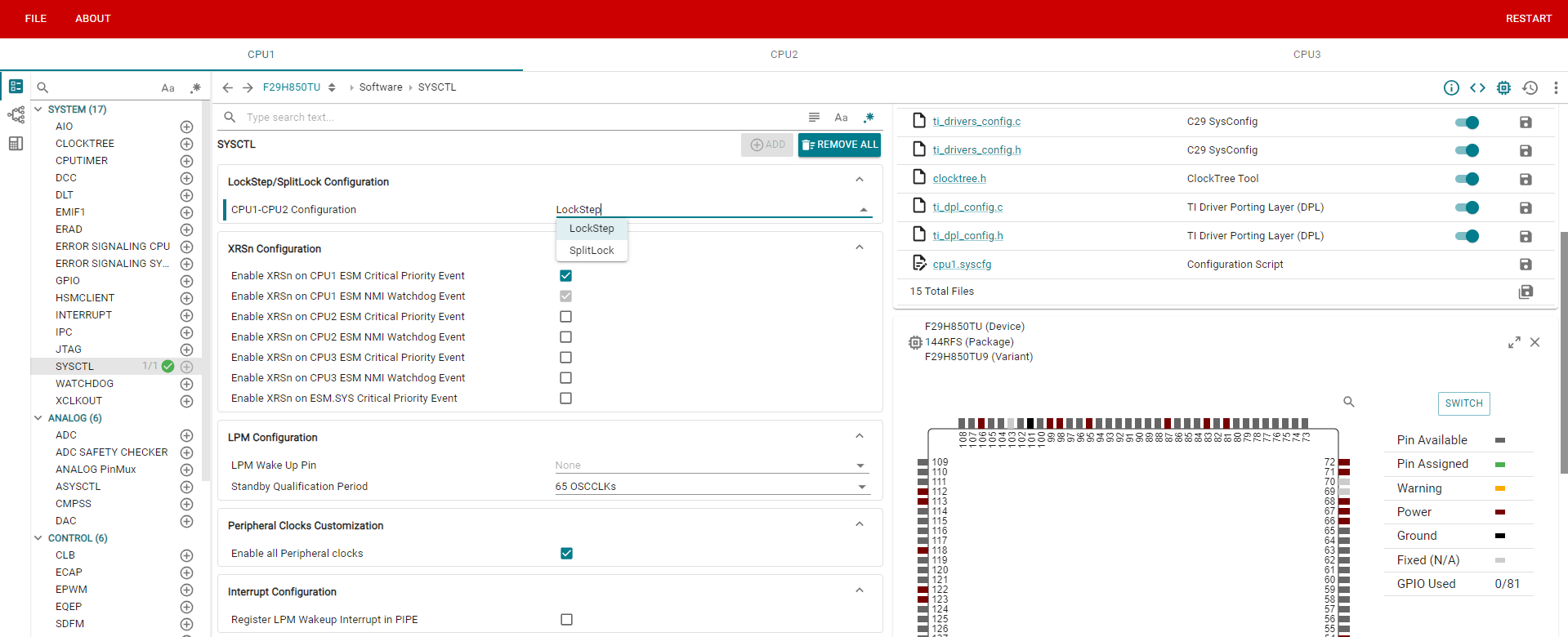
This is the normal operation flow, wherein the user configures each core using a separate CPUx.syscfg file, which is associated with a unique context in the SysConfig tool. Within each context, the user is free to specify the required hardware & software settings for that core. In F29x devices, certain initialization flows such as Clock setup, PinMux configuration, Device-level security specifications etc. must be performed on CPU1. This necessitates that all the cores must be opened concurrently in SysConfig (see image below) to ensure that the CPU1 context can aggregate information from all cores and generate correct initialization code.
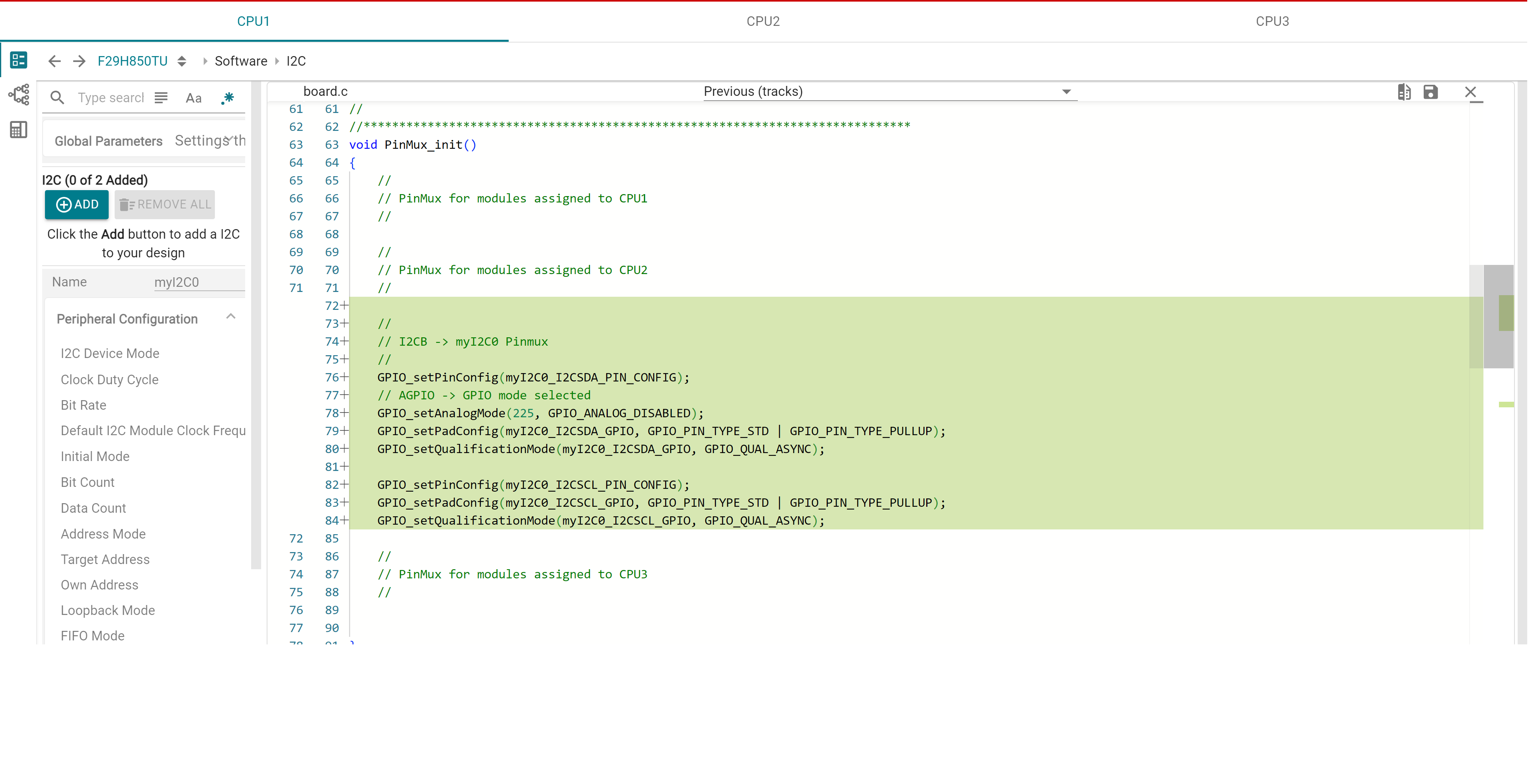
In F29x devices, there is also a reverse dependency, where other contexts need to rely on the CPU1 to provide information such as Lockstep mode, clock dividers etc. in order to configure their respective cores accurately. This effectively means that each user must have access to all the SysConfig files in order to completely set up the SoC.
The RA flow consists of 2 steps:
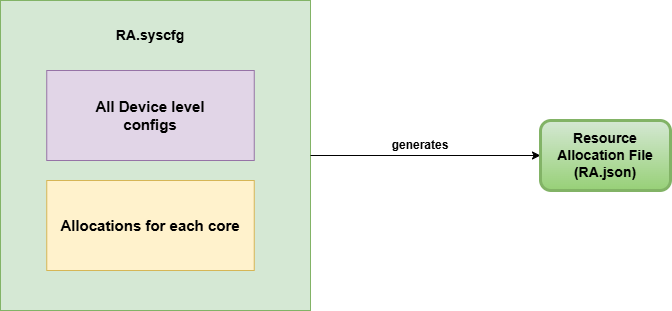
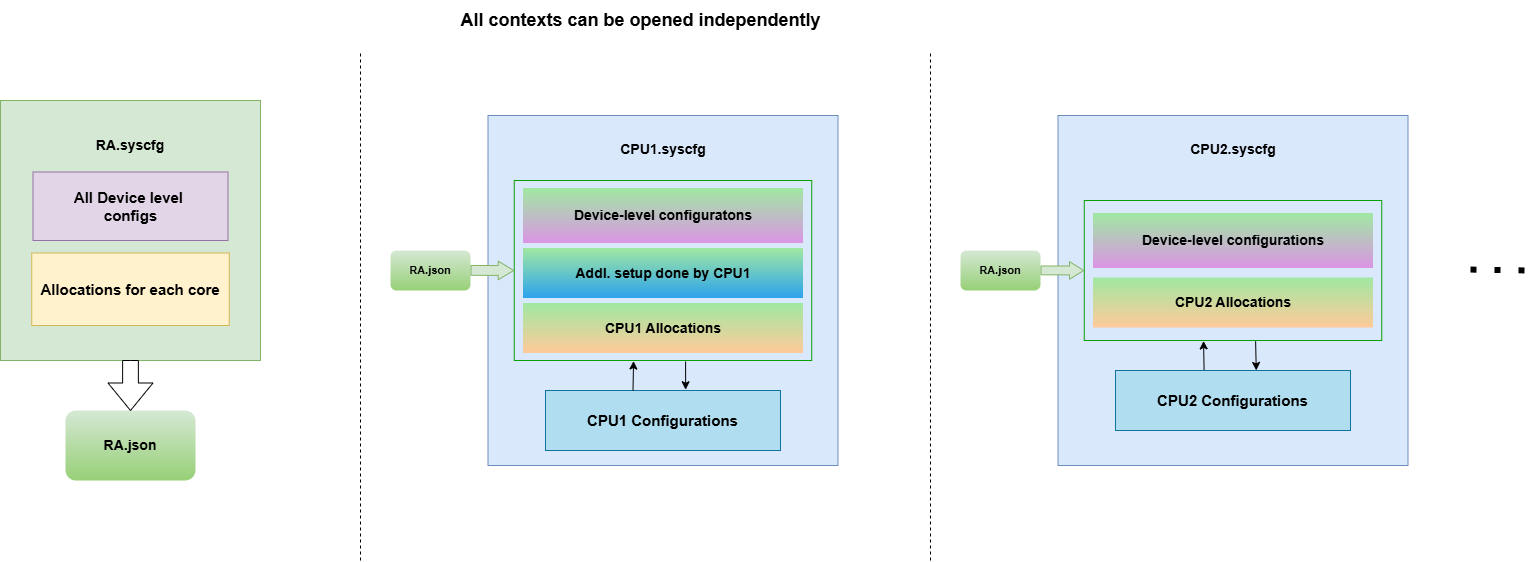
See the respective pages for detailed information on using these two modes.
Migration between modes is not supported with SysConfig v1.28 and F29H85X-SDK v26.01, with support planned for an upcoming release.
In order to get started, please create a new project / modify existing project to use Resource Allocation functionality. Refer to LED Blinky with Resource Allocator - CPU1/ CPU3 and RTDMA with Resource Allocator - CPU1/ CPU3 for steps to set up a CCS example project with Resource Allocation.
 1.12.0